
How to Turn a Product Photo into a Video with Google Pomelli
A good product photo is only the beginning. Google Labs’ Pomelli can turn it into a campaign creative and animate a suitable vertical image. This is not a one-click converter for any photo.
Before you start: Pomelli’s interface currently supports English. Turkey is on Google’s list of supported countries. Features and limits may change during the experimental period.
1. Photograph the real product
Use a well-lit image that shows the whole item and its defining details: stitches, glaze, patterns or jewellery fittings. Keep the original photograph to compare against the generated result; AI can change colours and textures.
2. Set up your Business DNA
Open Pomelli and sign in with Google. If you have your own website, enter its address to build a Business DNA draft. Otherwise select No website yet? → From scratch and add your own images and information. Do not enter tospika.com as your personal brand’s website: it represents many makers. Check the generated identity carefully.
3. Add your product to the Catalog
Try Add from URL with your own public product page. If Pomelli cannot read it, choose Add from scratch, upload your real photo and enter accurate materials, colour, dimensions and technique.
4. Create a Campaign
Choose Create Campaign from the product, or go to Campaigns → Product → Generate. Check the campaign brief, correct mistakes and select Confirm. Make only truthful, verifiable claims about handmade work.
5. Animate a vertical creative
Pick the campaign image that represents the product accurately. Edit its heading, description or layout if needed. Hover over the 9:16 creative and select Animate; Google says animation is available in this format only. Watch the entire video and compare its shape, colours, patterns and text with the original. Do not share a misleading result.
6. Download and share
Check the downloaded video on your phone and ensure you have rights to any music or images. Add your Tospika product link when posting to Reels or another suitable channel. Tospika is a digital showcase; buyers and makers arrange orders directly.
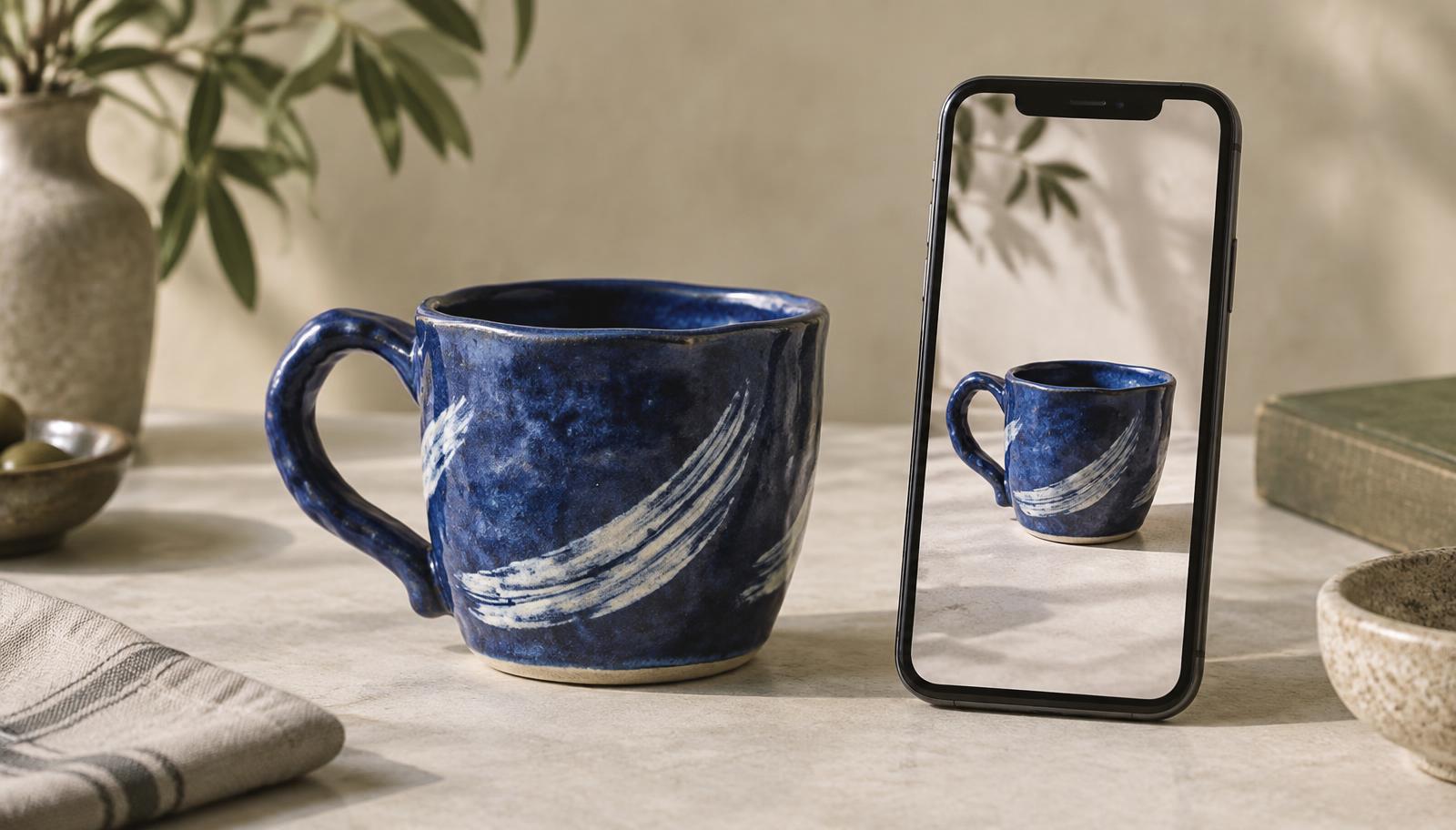
A ceramic mug example
Start with a clear photograph showing the handle and pattern. Describe it as a handmade blue ceramic mug and try a concise campaign line. Confirm the animated mug still matches the original.
Frequently asked questions
Is Pomelli free?
Google currently offers it at no charge during its experimental phase, subject to image and video generation limits that may change.
Do I need a website?
No. You can build Business DNA from scratch and upload the product photo to the Catalog.
What if the product changes in the video?
Do not post it. Try a clearer photo or a different creative, and keep authentic product photos available.